ChatGPT

ChatGPT

Improving chat history management to reduce cognitive load

Improving chat history management to reduce cognitive load

Challenge

ChatGPT users often start new chats to complete everyday tasks or work projects, but over time it can accumulate to a large chat history that feels overwhelming and difficult to manage.

Outcome

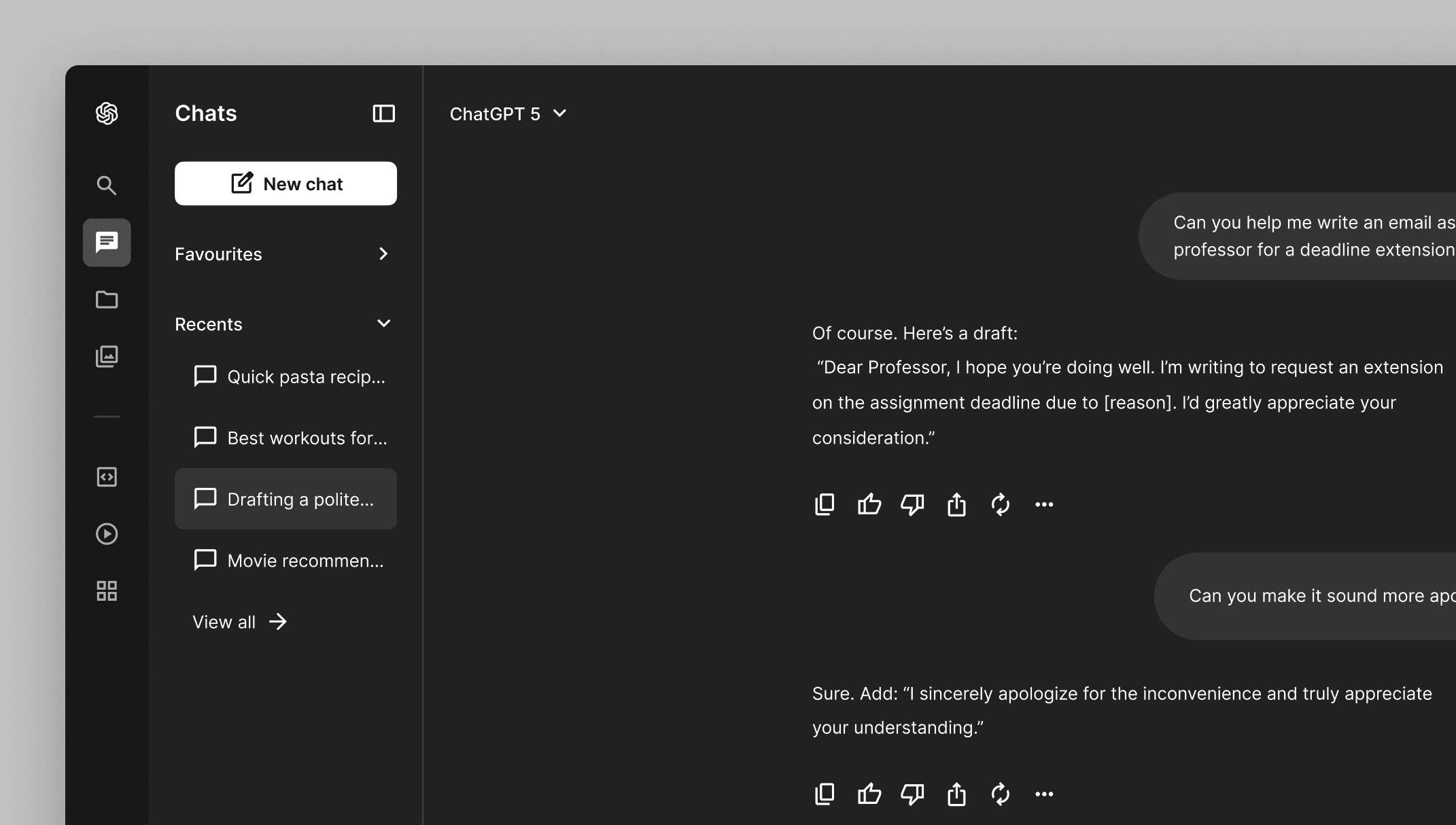
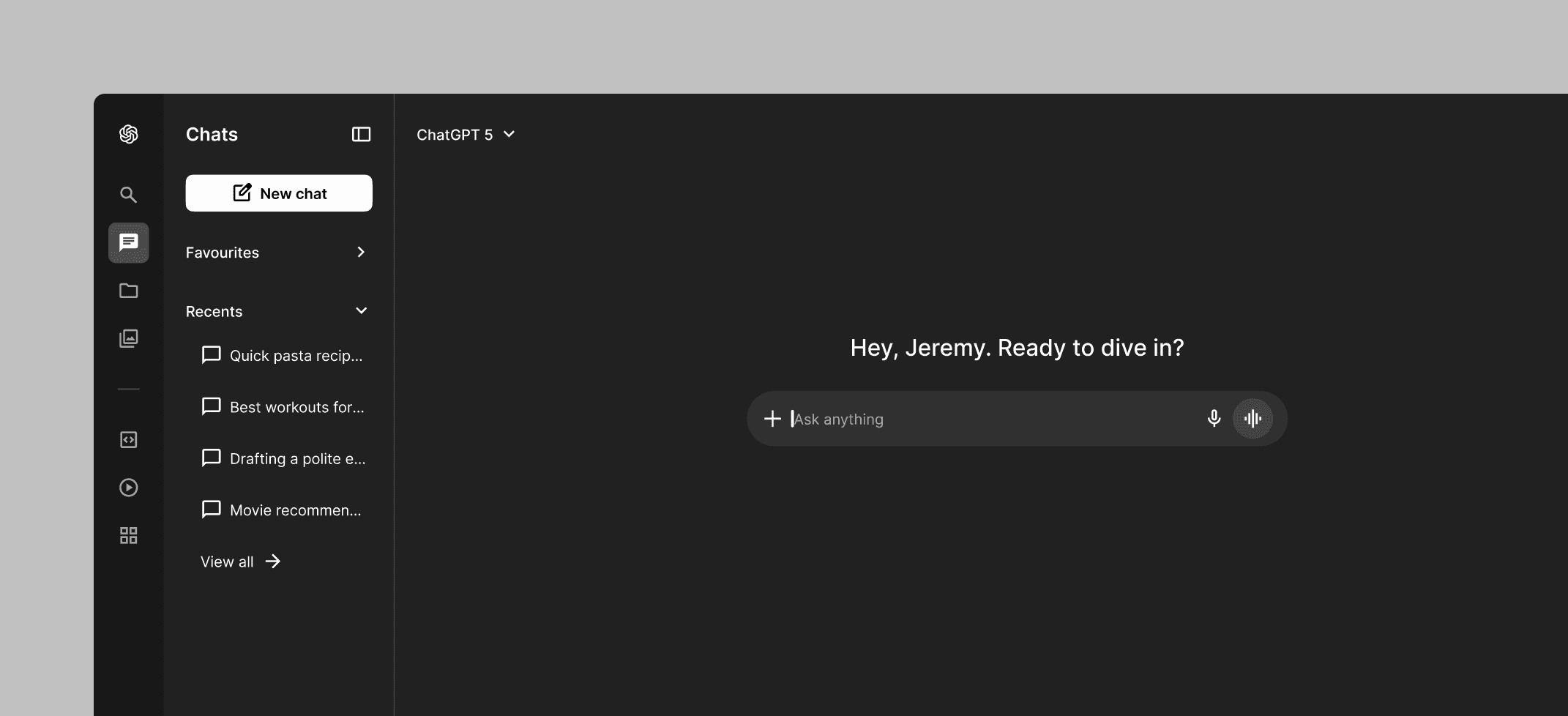
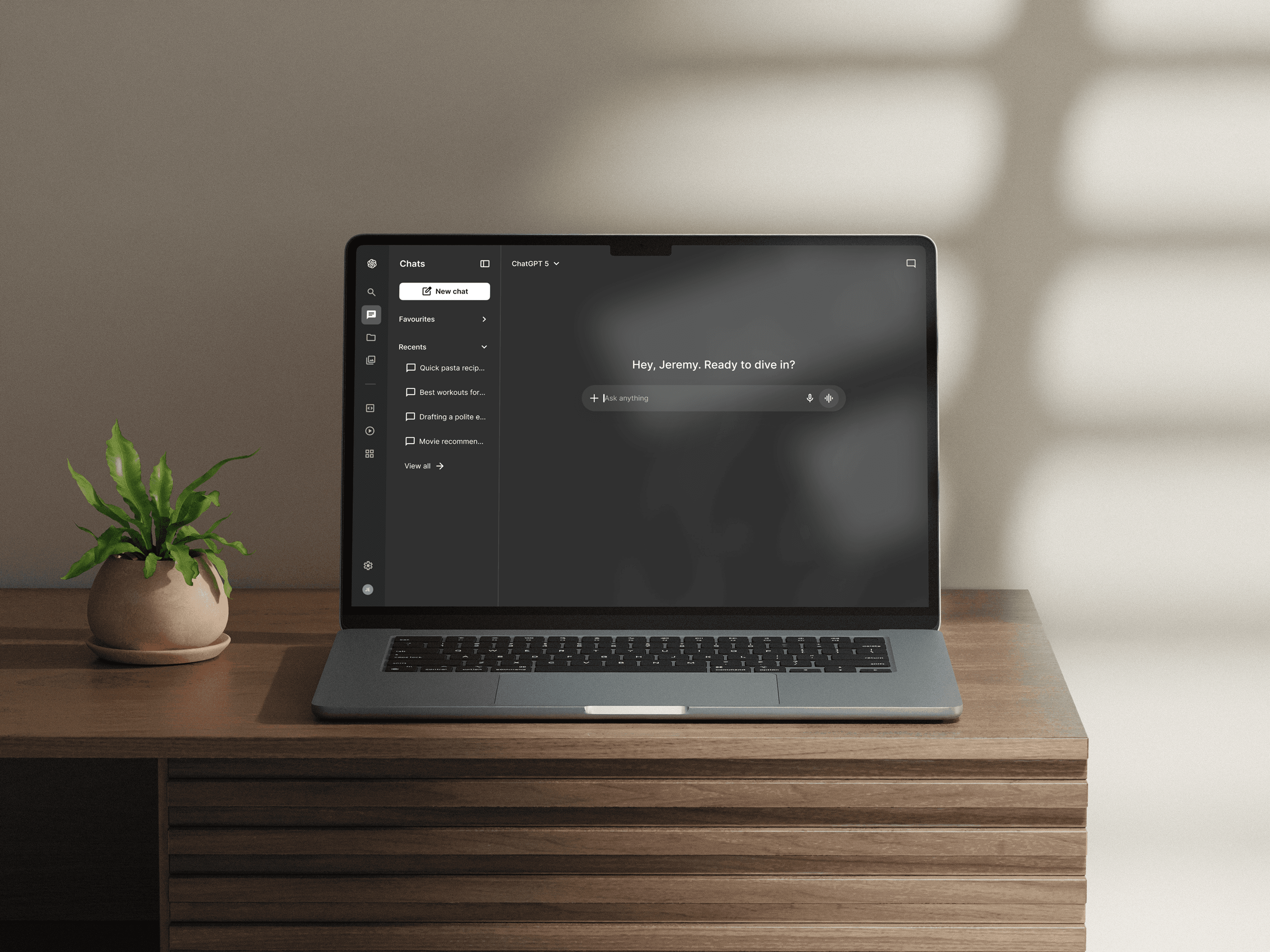
We designed a solution focusing on reducing the clutter and effort to browse, manage, and revisit a large chat history by introducing more clarity and structure to the interface.

Role

UX designer

Timeline

Sept '25

Team

Solo
Status quo

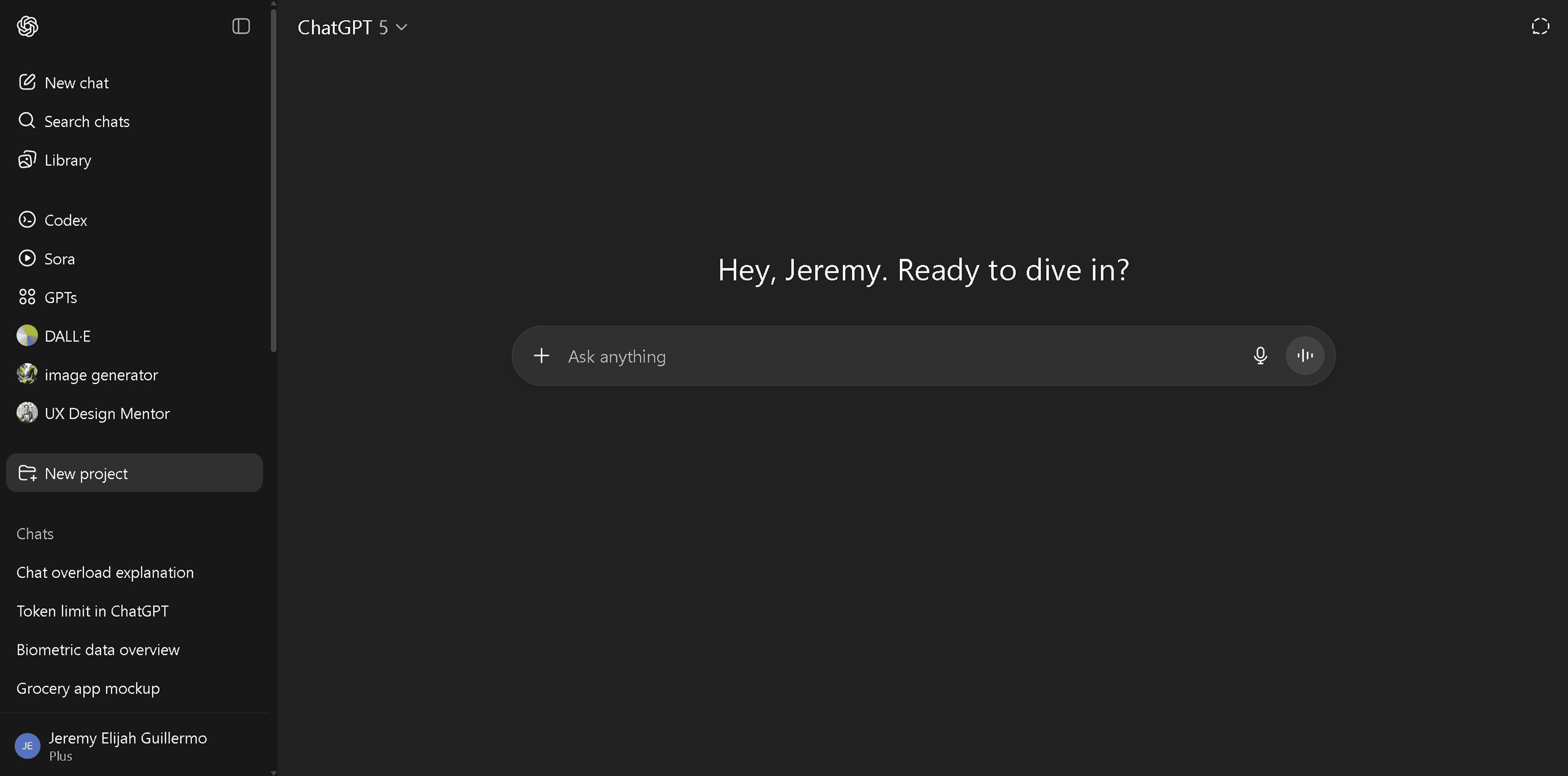
Navigating with the side bar can feel overwhelming when it is cluttered with many items.

01

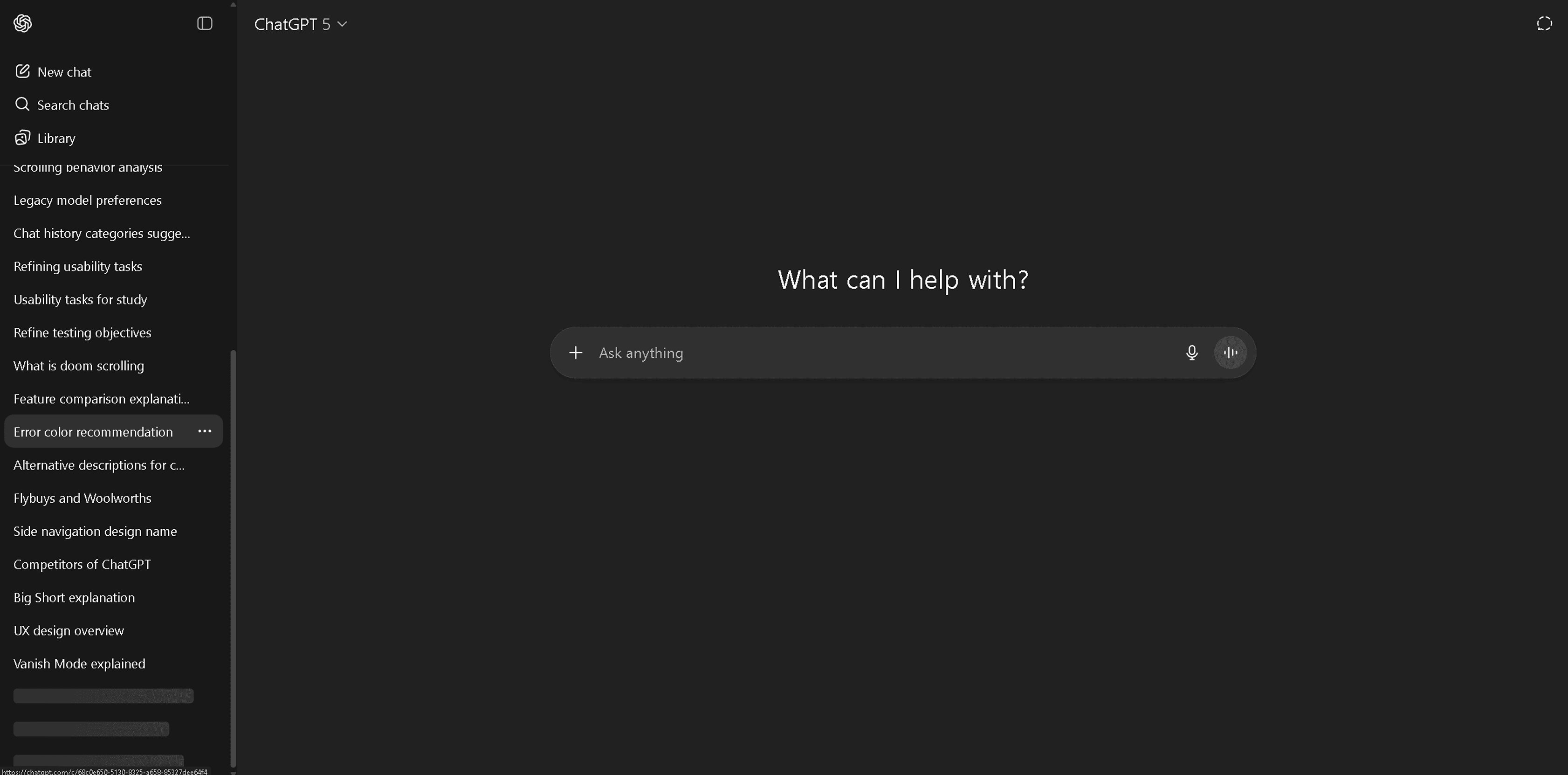
Browsing and organising your chat history can be difficult with very limited chat options.

02

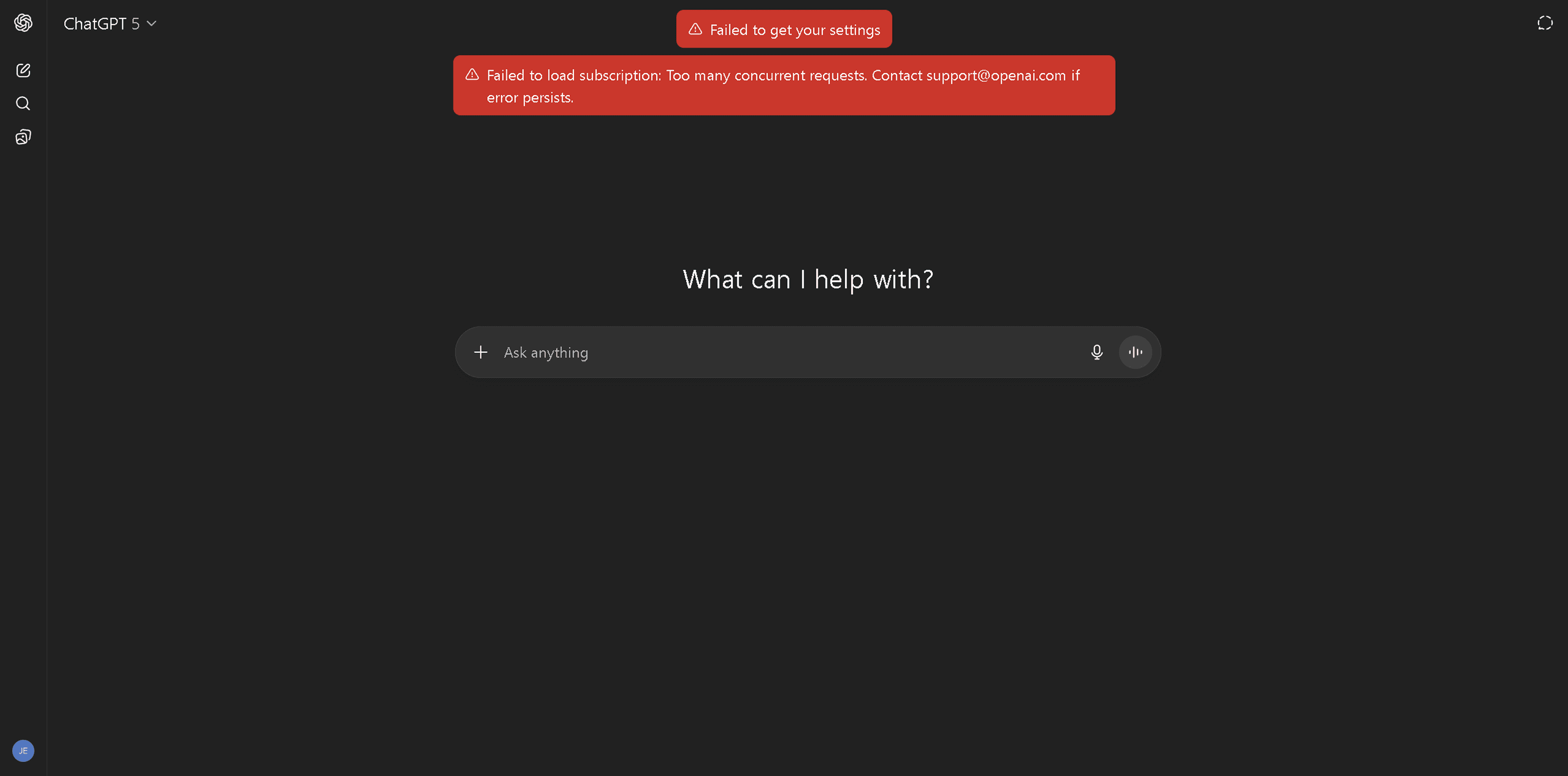
A large history can overload the server forcing users to clear their chats and lose progress.

03

Status quo

Navigating with the side bar can feel overwhelming when it is cluttered with many items.

01

Browsing and organising your chat history can be difficult with very limited chat options.

02

A large history can overload the server forcing users to clear their chats and lose progress.

03

The problem

A large chat history can be difficult for users to browse and organise important work. How can we help them manage their chat history better?

Status quo

Navigating with the side bar can feel overwhelming when cluttered with too many items.

01

Browsing and organising your chat history can be difficult with very limited chat options.

02

A large history can overload the server forcing users to clear their chats and lose progress.

03

Process

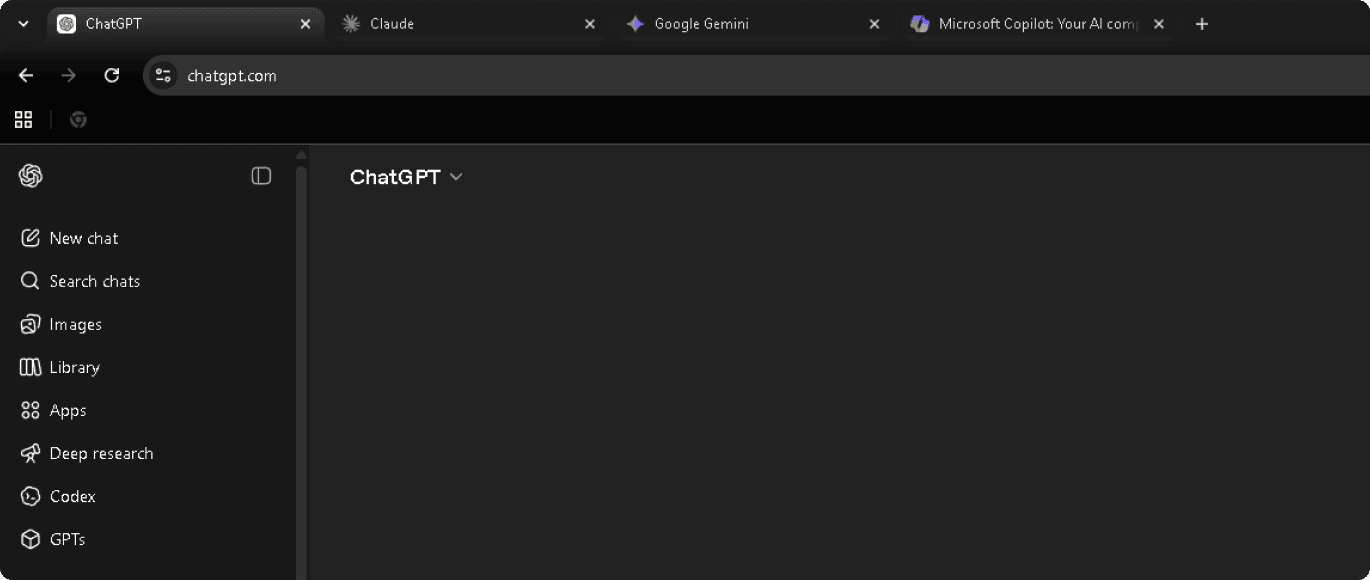
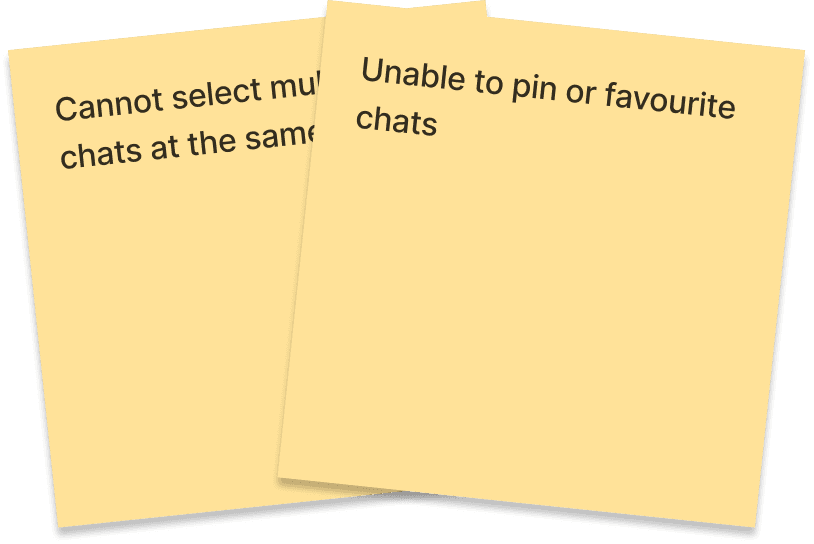
  1. Competitive research

Comparing designs from key competitors to understand industry trends and user expectations.
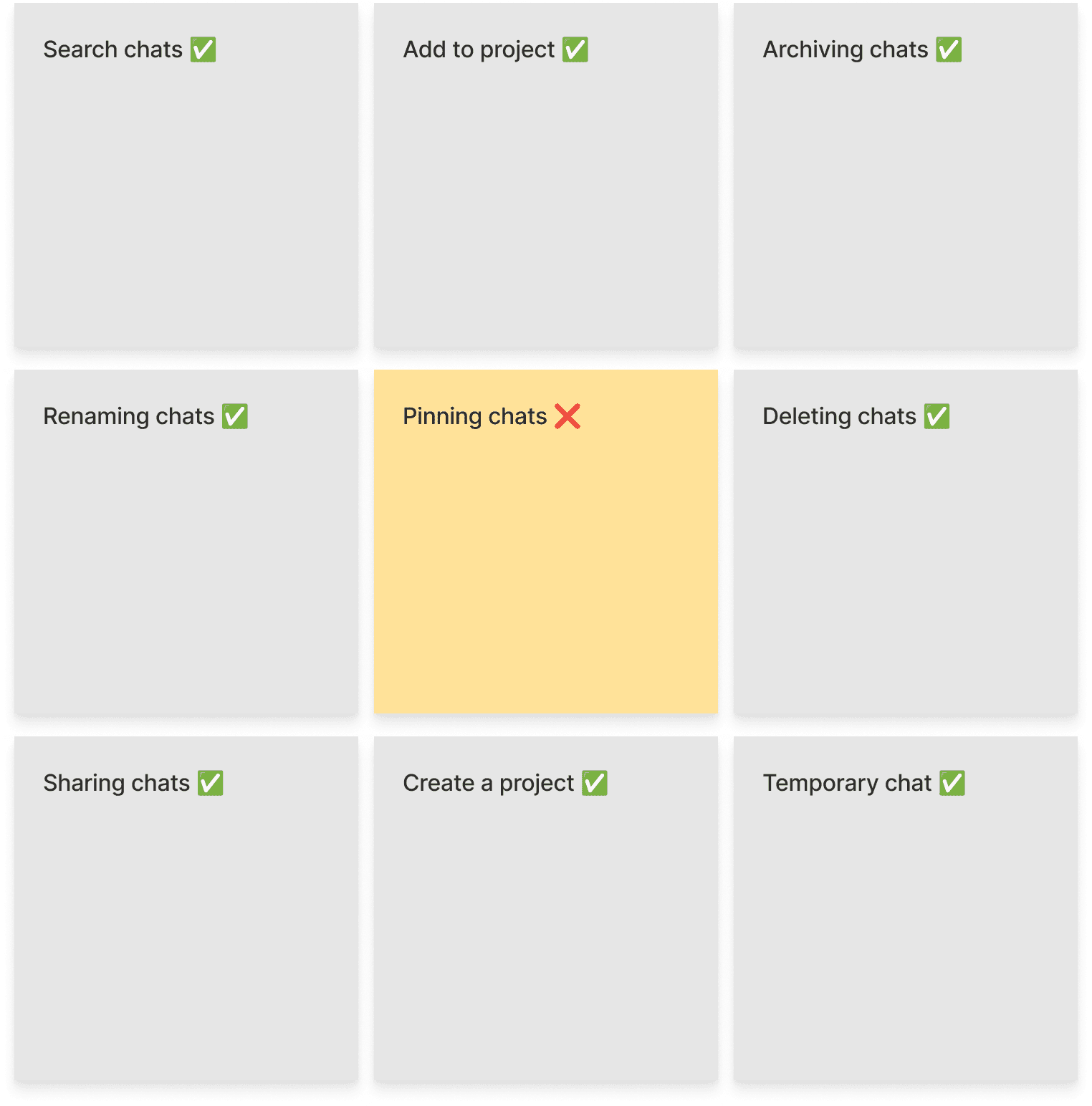
  1. Feature gap analysis

Reviewing feature offerings to identify gaps and opportunities in the product.
  1. Rapid prototyping

Exploring possible solutions based on impact, ease of use, and implementation costs.
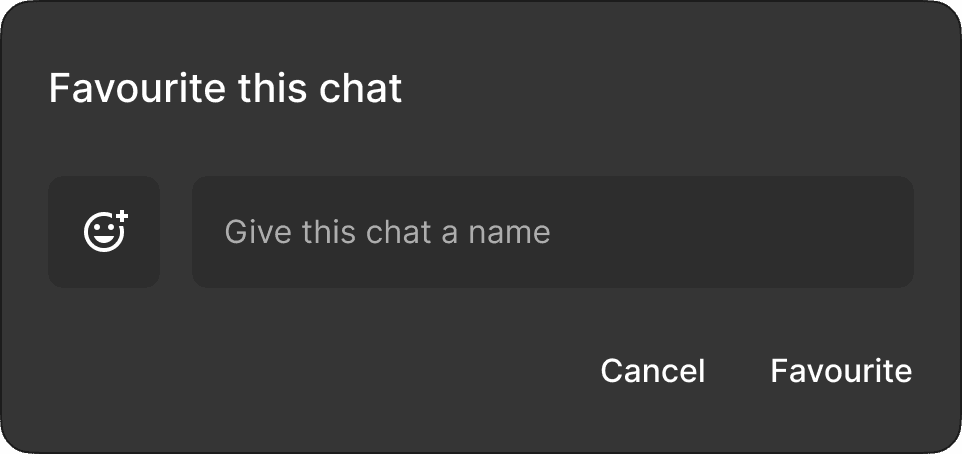
Change 3: multiple select

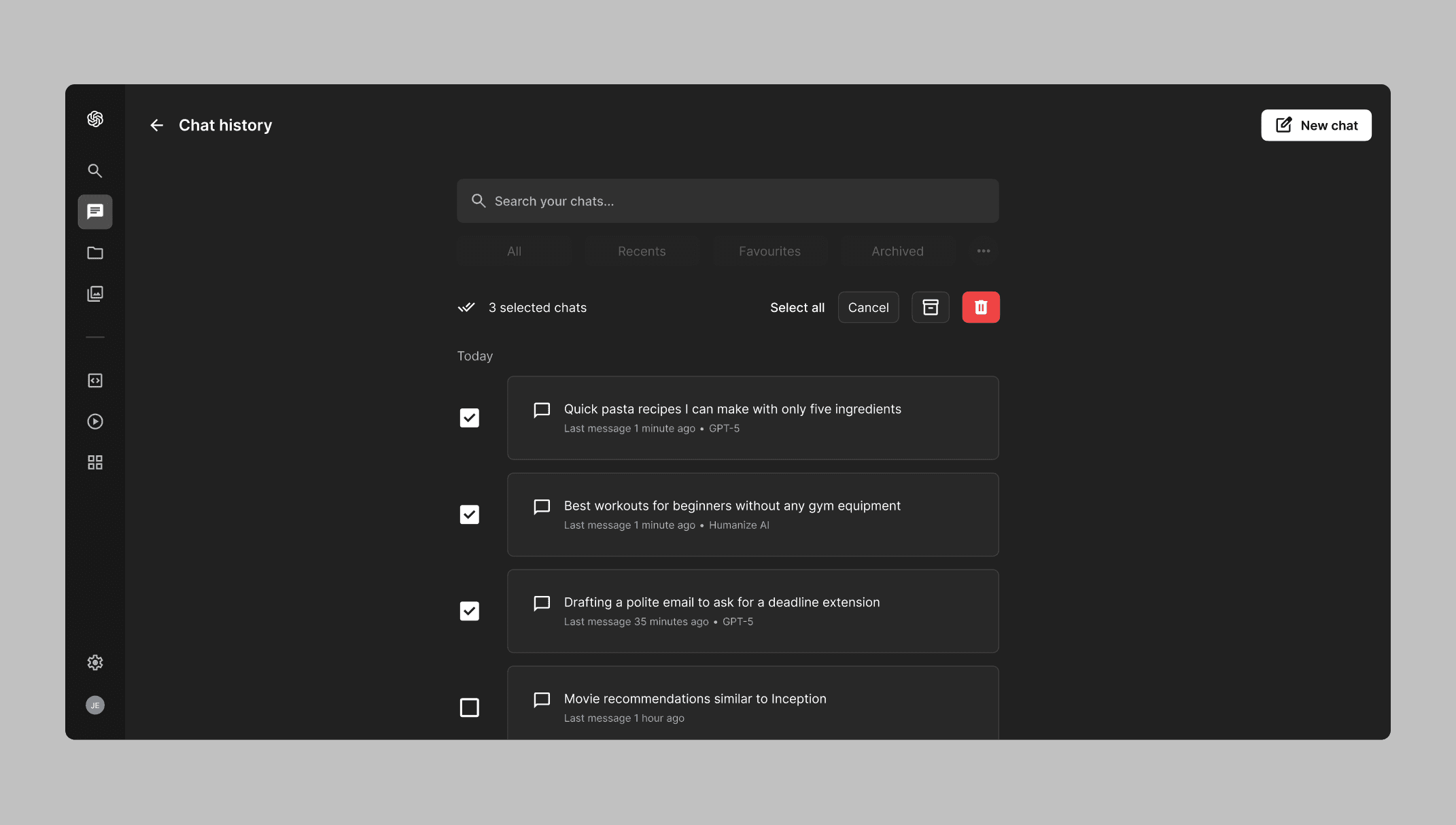
To help users manage multiple chats, we included a multiple select option so they can better manage their chat history. This allows them to organise, archive, or delete chats in bulk more efficiently without losing any important work or progress.

Show new design only

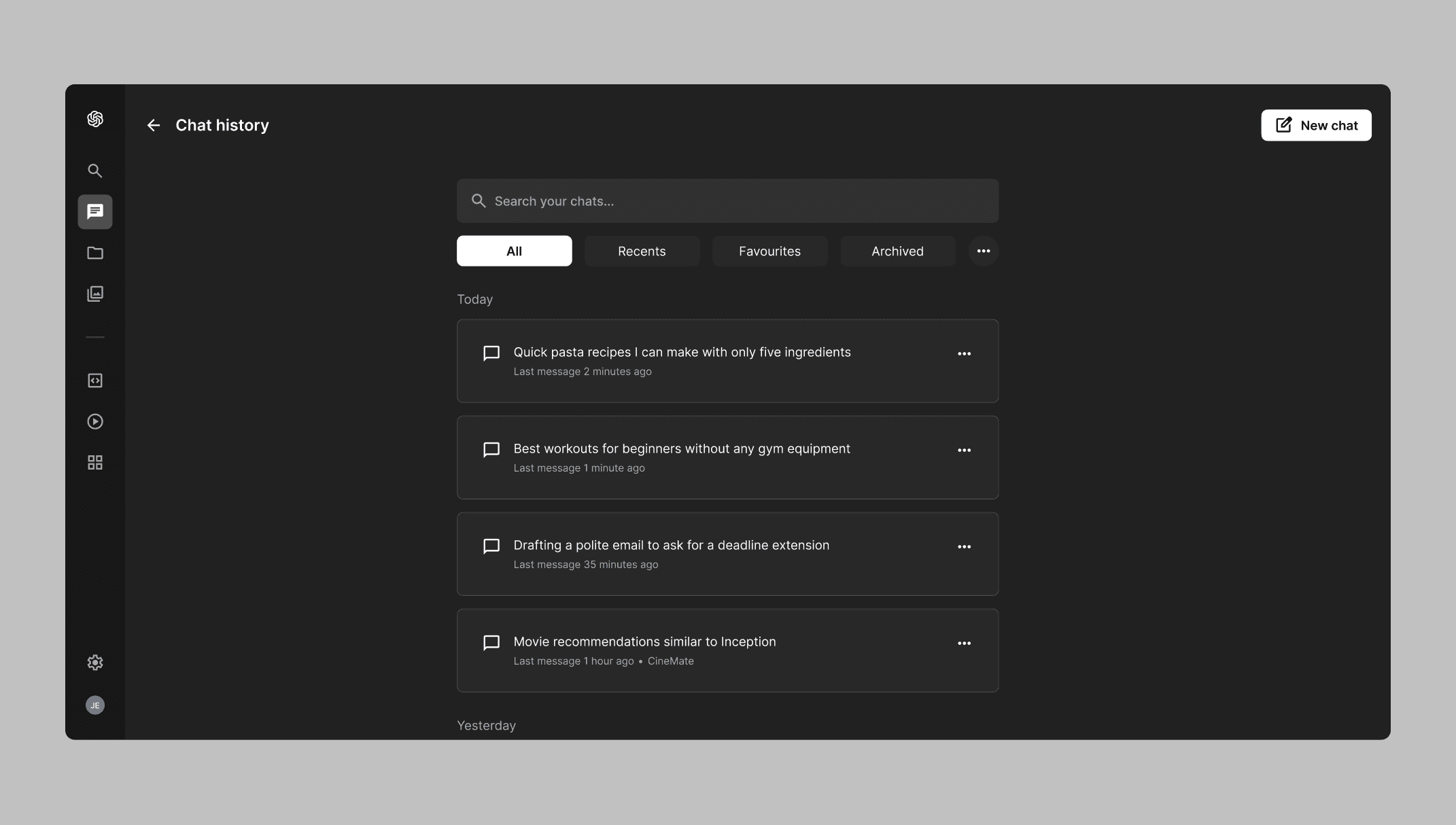
Change 2: chat history

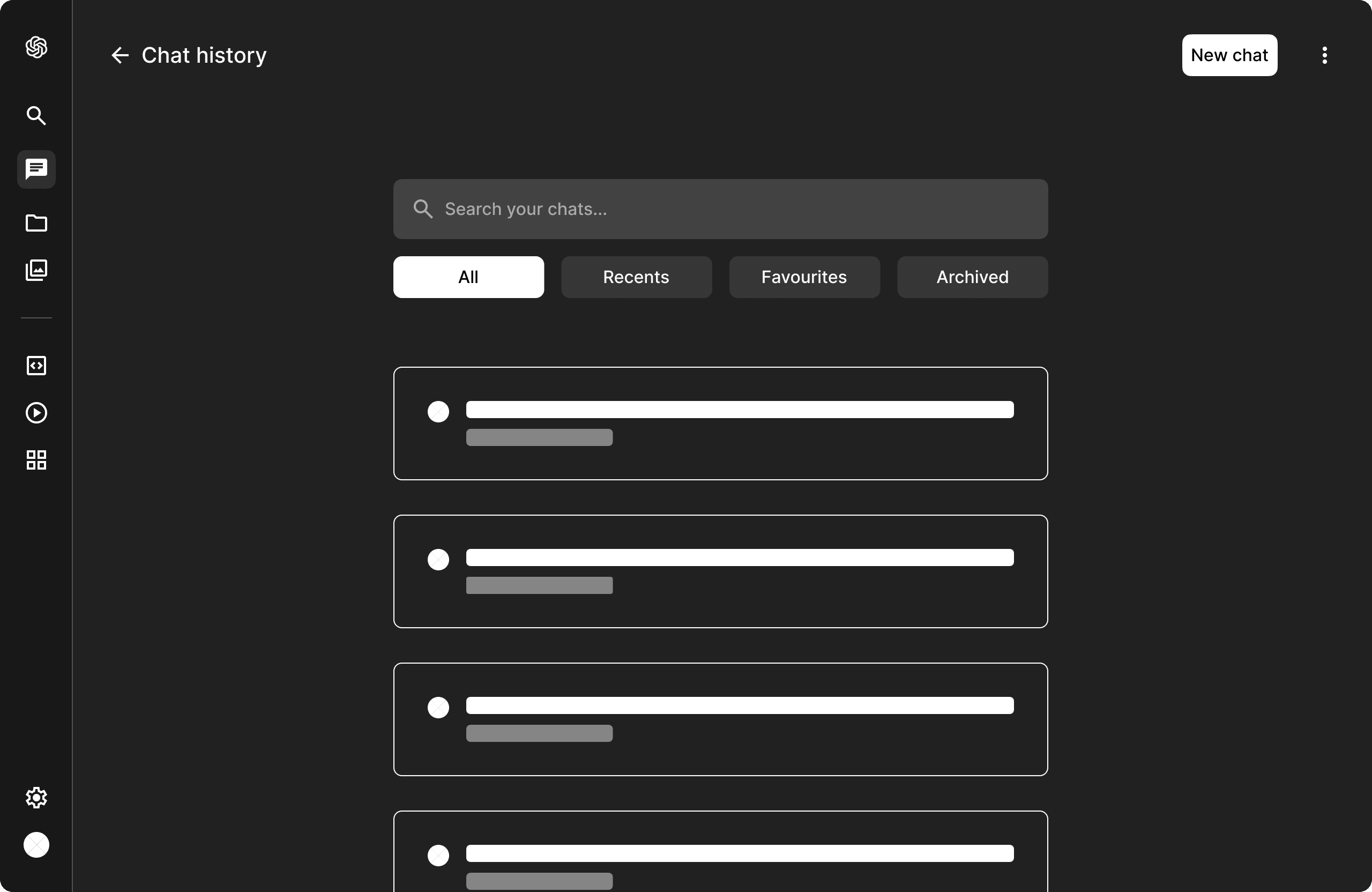
To improve the browsing experience for the chat history, we expanded it to an entire page so users can have a much clearer view. We also included search and filter along with detailed previews so they can browse more intuitively and efficiently.

Show new design only

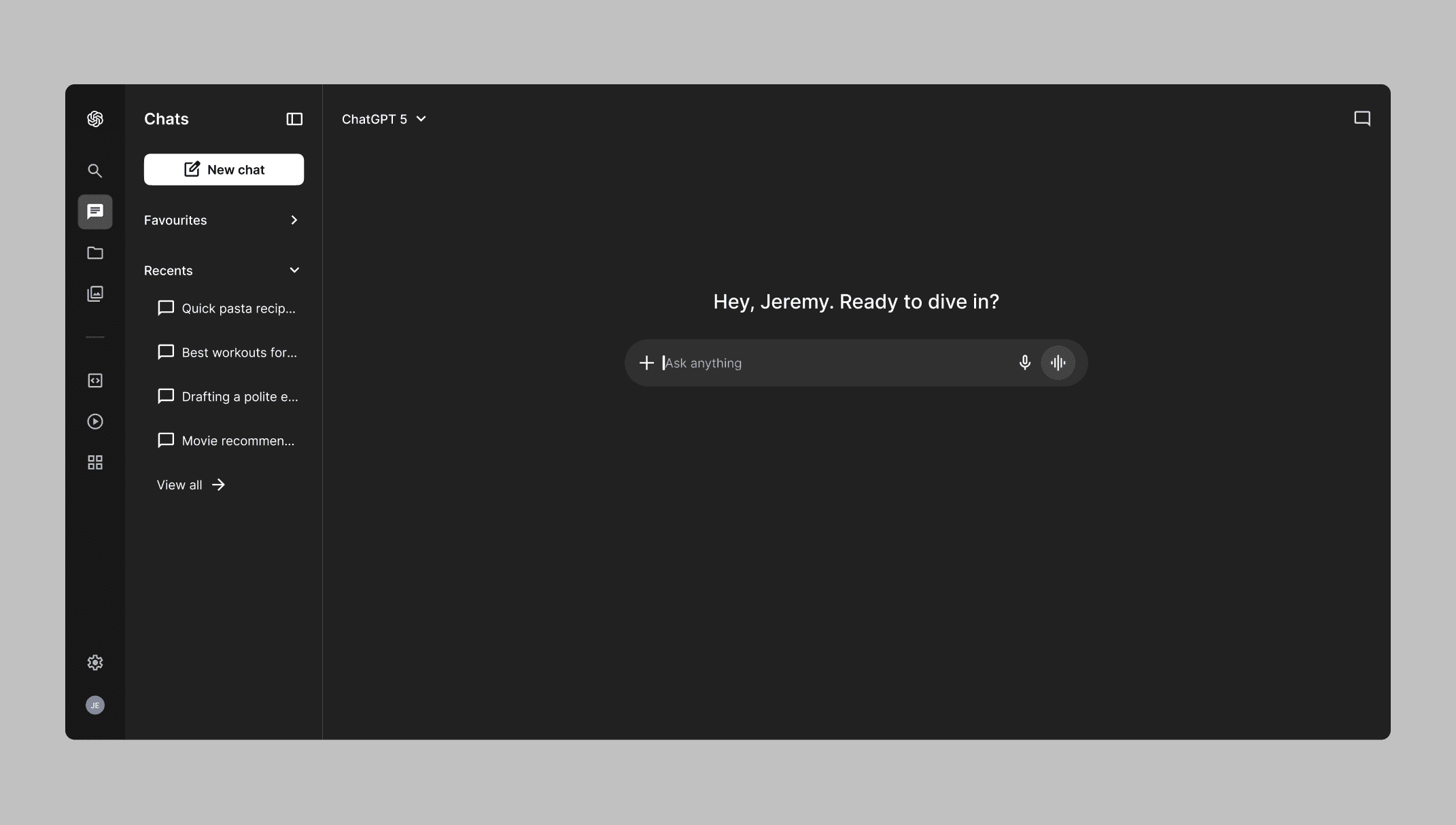
Change 1: side bar

To improve the clarity and structure of the side bar, we simply adjusted the spacing, visual hierarchy, and content structure. We also emphasised on progressive disclosure to help users feel less overwhelmed as they navigate throughout the interface.

Show new design only

Change 2: chat history

To improve the browsing experience for the chat history, we expanded it to an entire page so users can have a much clearer view. We also included search and filter along with detailed previews so they can browse more intuitively and efficiently.

Show new design only

Change 3: multiple select

To help users manage multiple chats, we included a multiple select option so they can better manage their chat history. This allows them to organise, archive, or delete chats in bulk more efficiently without losing any important work or progress.

Show new design only

Change 1: side bar

To improve the clarity and structure of the side bar, we simply adjusted the spacing, visual hierarchy, and content structure. We also emphasised on progressive disclosure to help users feel less overwhelmed as they navigate throughout the interface.

Show new design only

The solution: clarity & structure

Our research suggests that users need a more clear and structured side bar to navigate the interface with ease. They also need a better approach to efficiently browse and manage multiple chats when their chat history becomes too large to handle.
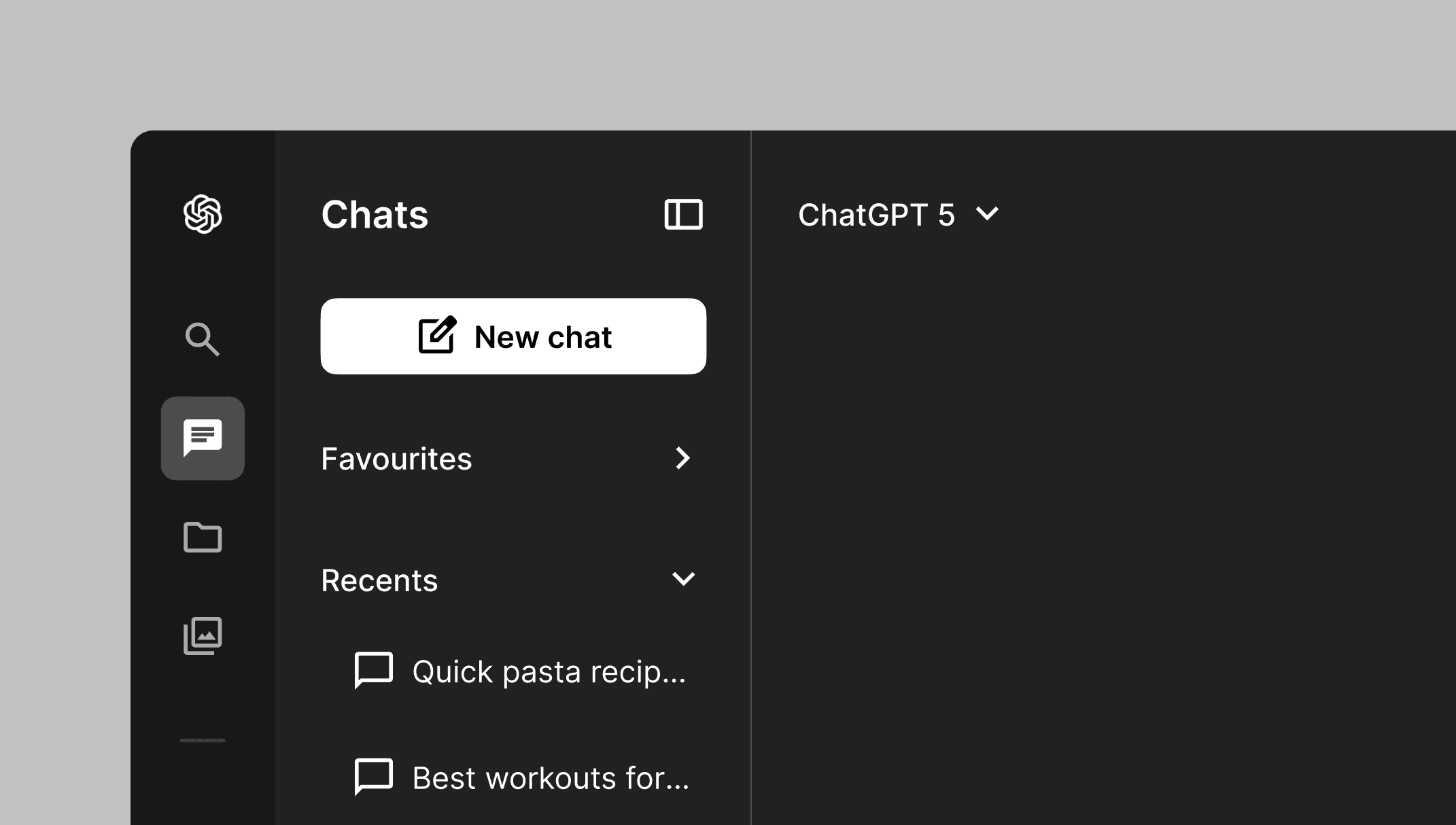
Change 1: side bar

To improve the clarity and structure of the side bar, we simply adjusted the spacing, visual hierarchy, and content structure. We also emphasised on progressive disclosure to help users feel less overwhelmed as they navigate throughout the interface.

Show new design only

Change 2: chat history

To improve the browsing experience for the chat history, we expanded it to an entire page so users can have a much clearer view. We also included search and filter along with detailed previews so they can browse more intuitively and efficiently.

Show new design only

Change 3: multiple select

To help users manage multiple chats, we included a multiple select option so they can better manage their chat history. This allows them to organise, archive, or delete chats in bulk more efficiently without losing any important work or progress.

Show new design only

The outcome: a seamless experience

To summarise the results from user testing showed improvements as participants were able to complete their tasks using the prototype with little to no errors. They also shared how the overall experience felt much more easier and efficient.

© 2026 · Jeremy Guillermo