Challenge
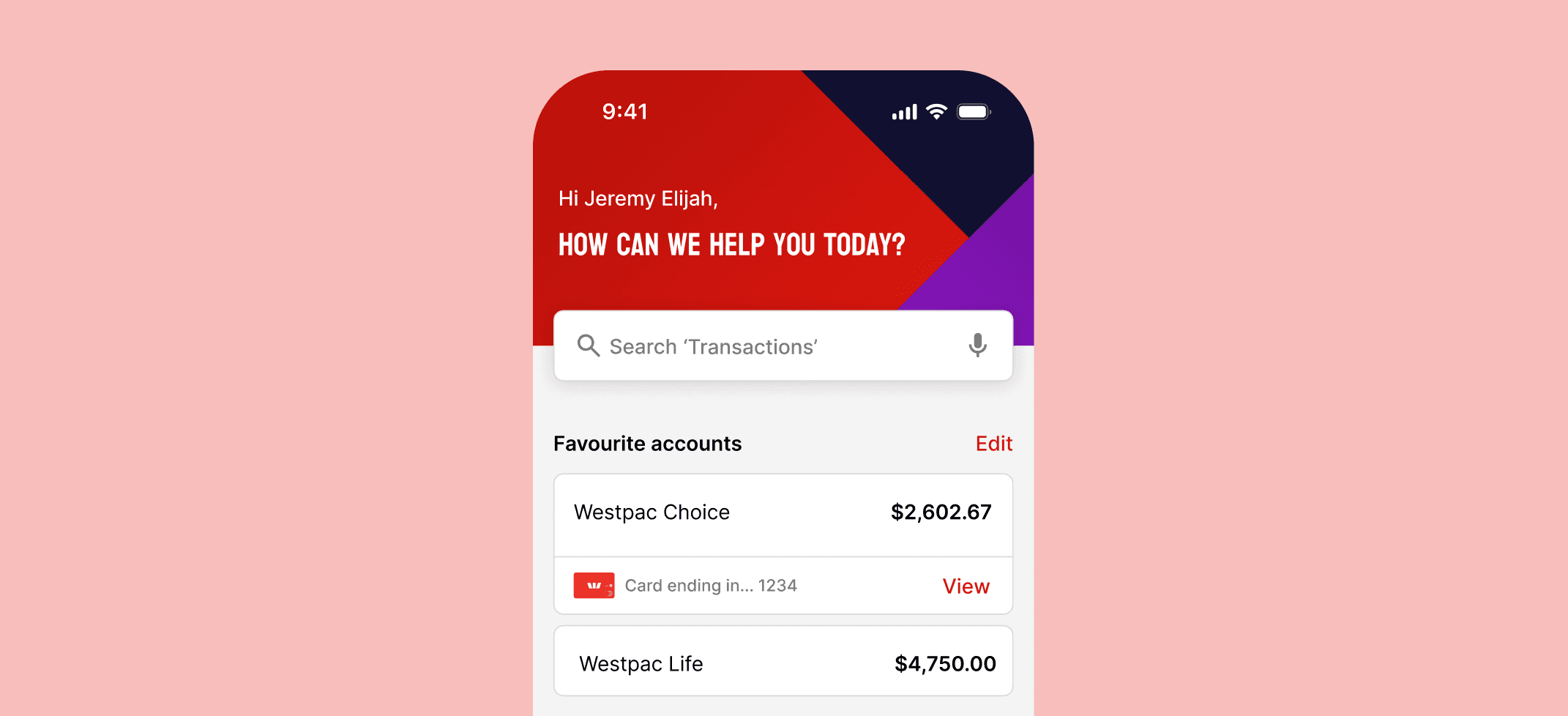
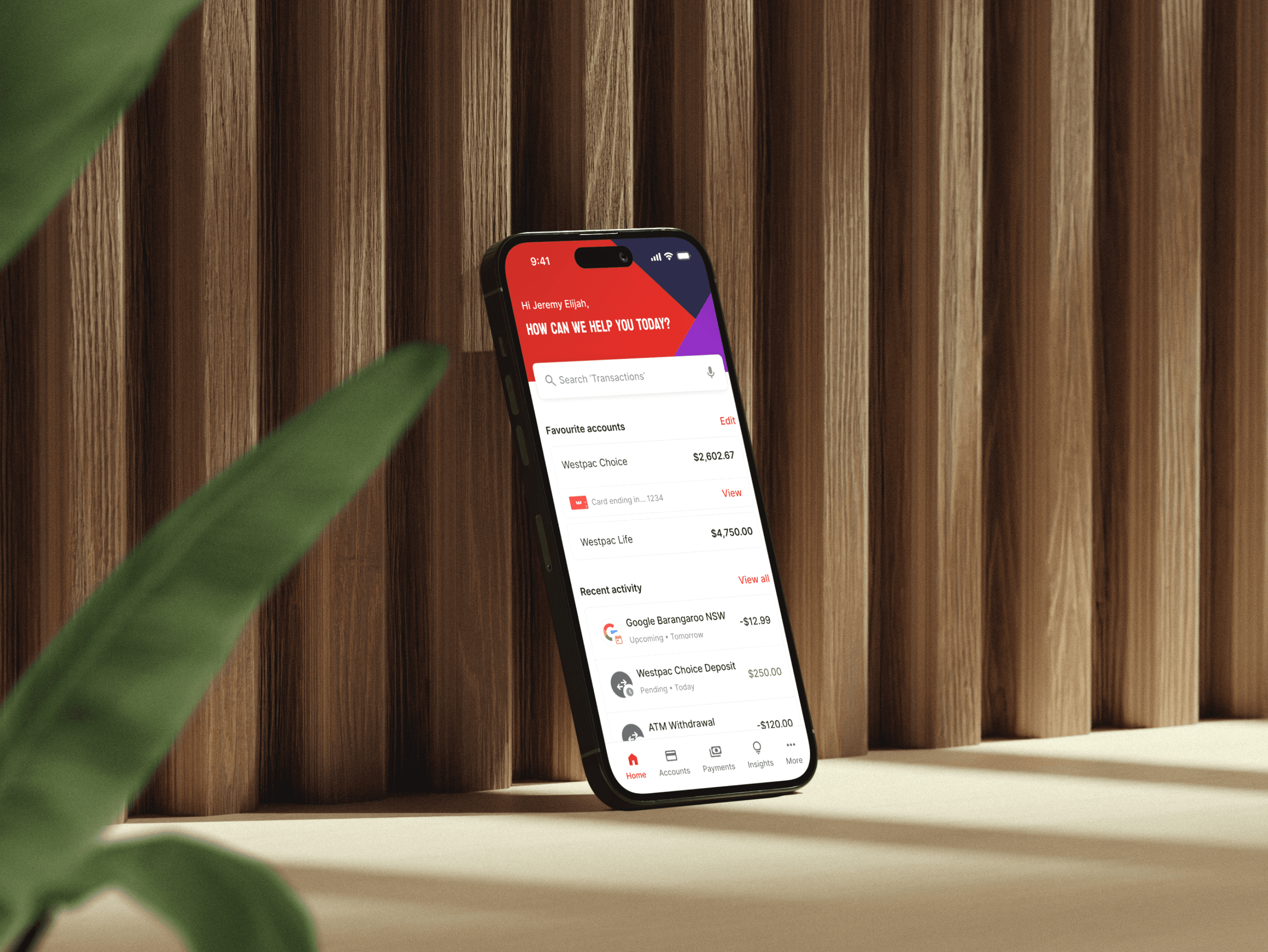
Westpac users often use the mobile app to track their transactions but excessive friction in the search and filter flow creates frustration and negatively impacts ease of use.
Outcome
We designed a solution that reduces friction across the flow of searching and filter transactions which led to all 5 participants successfully completing their 6 tasks during usability testing.
Role
UX designer
Timeline
Jul '25
Team
Solo
The problem
Process
Research plan & strategy
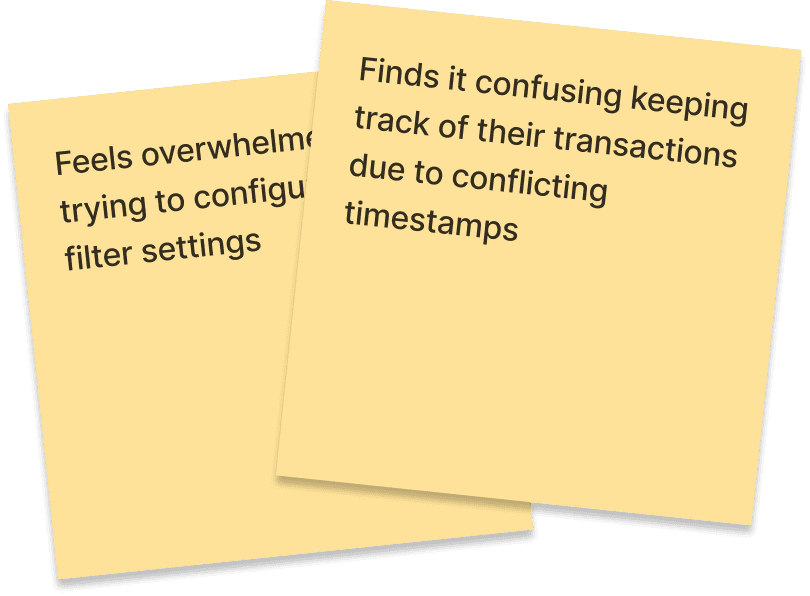
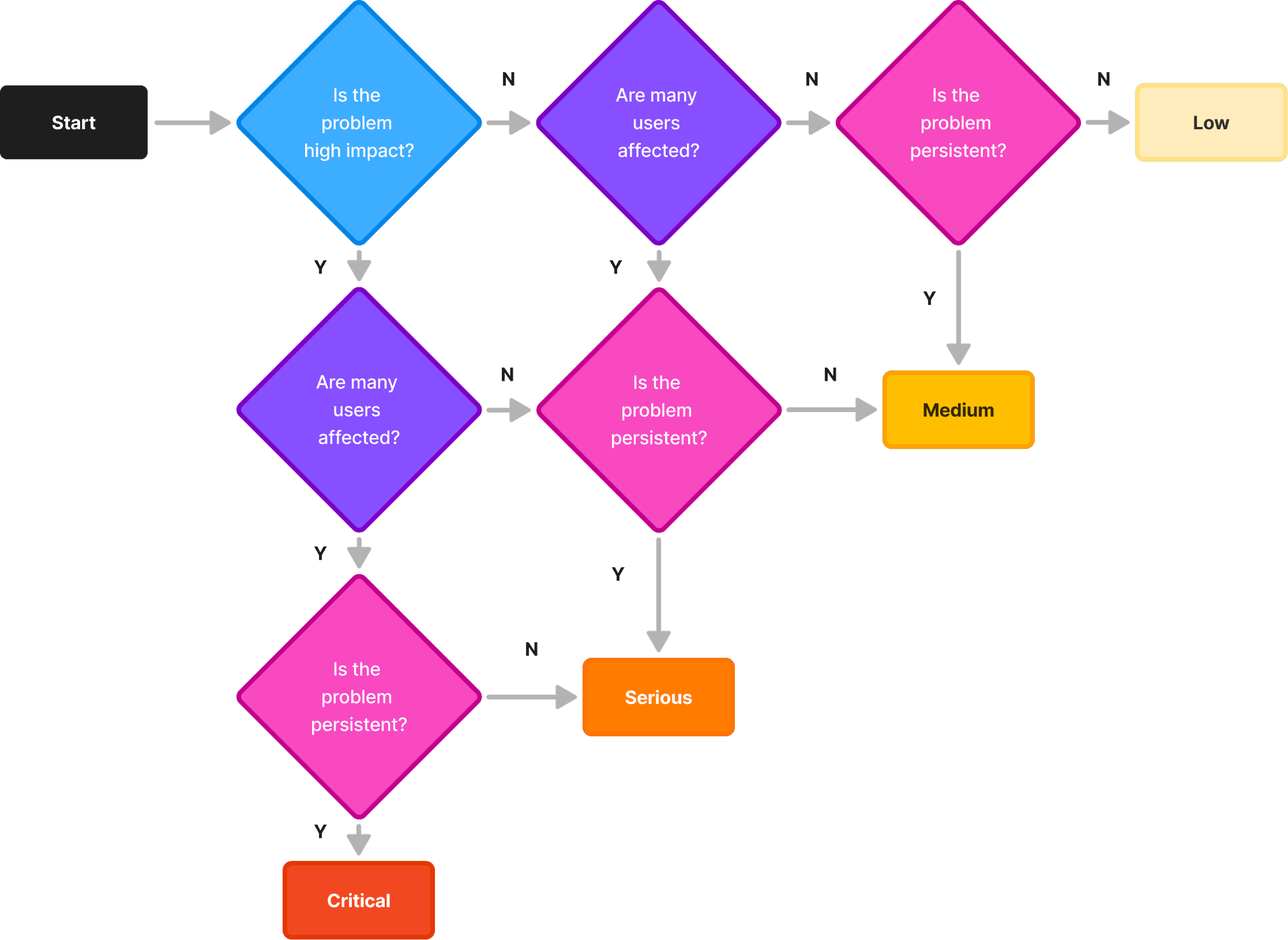
Prioritising pain points identified from user research based on impact, relevance, and persistence.
Competitive audit & analysis
Reviewing key competitors and comparing their designs to inspire the brainstorming process.
Exploring possible solutions
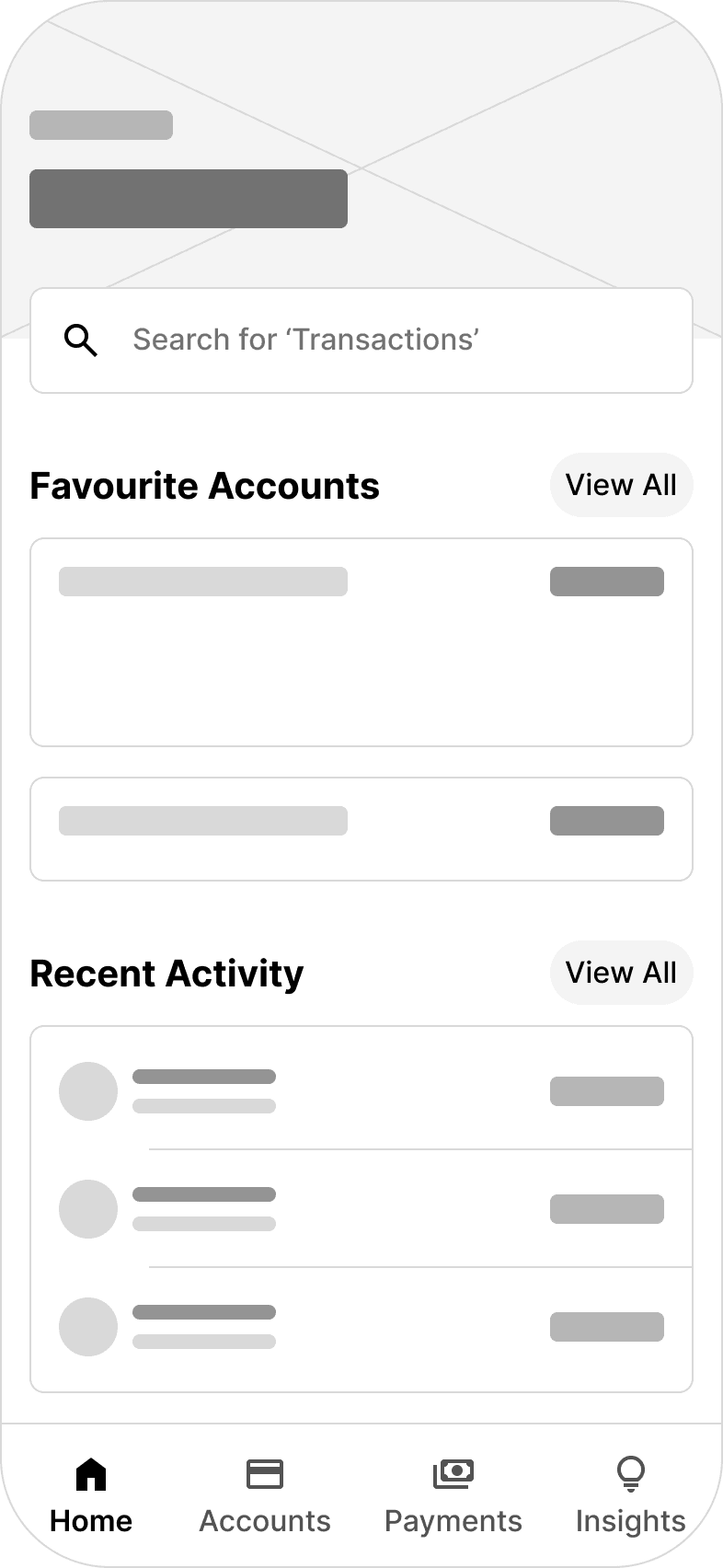
Using wireframes and user flows to explore possible solutions and map out feature requirements.
The solution: streamlined user flow
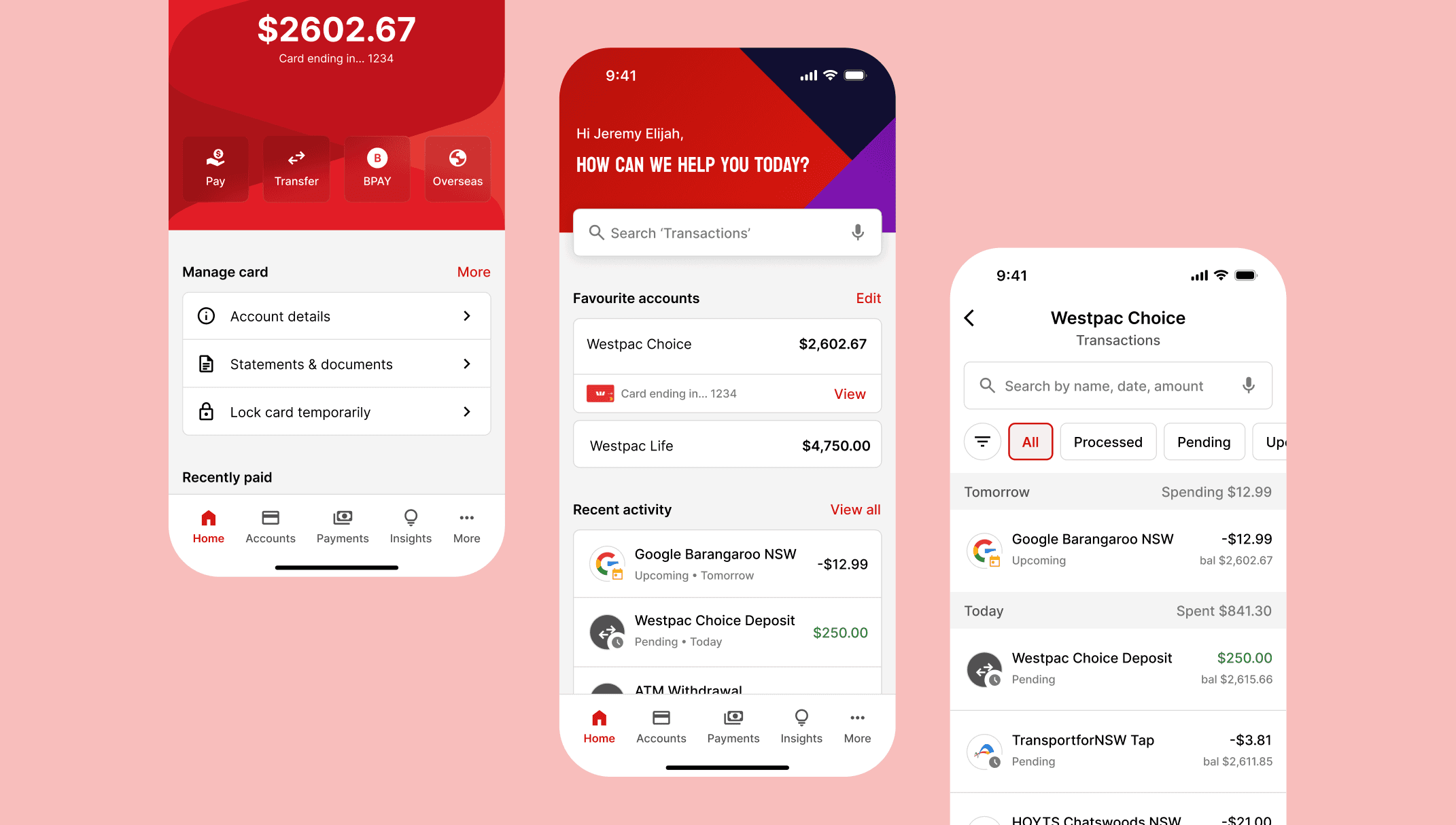
The research suggests that users need a better approach when trying to keep track of updates in their transaction list. They also need more organised and structured content for their transaction details, and be able to customise their filter settings with ease.
Change 1: transaction list
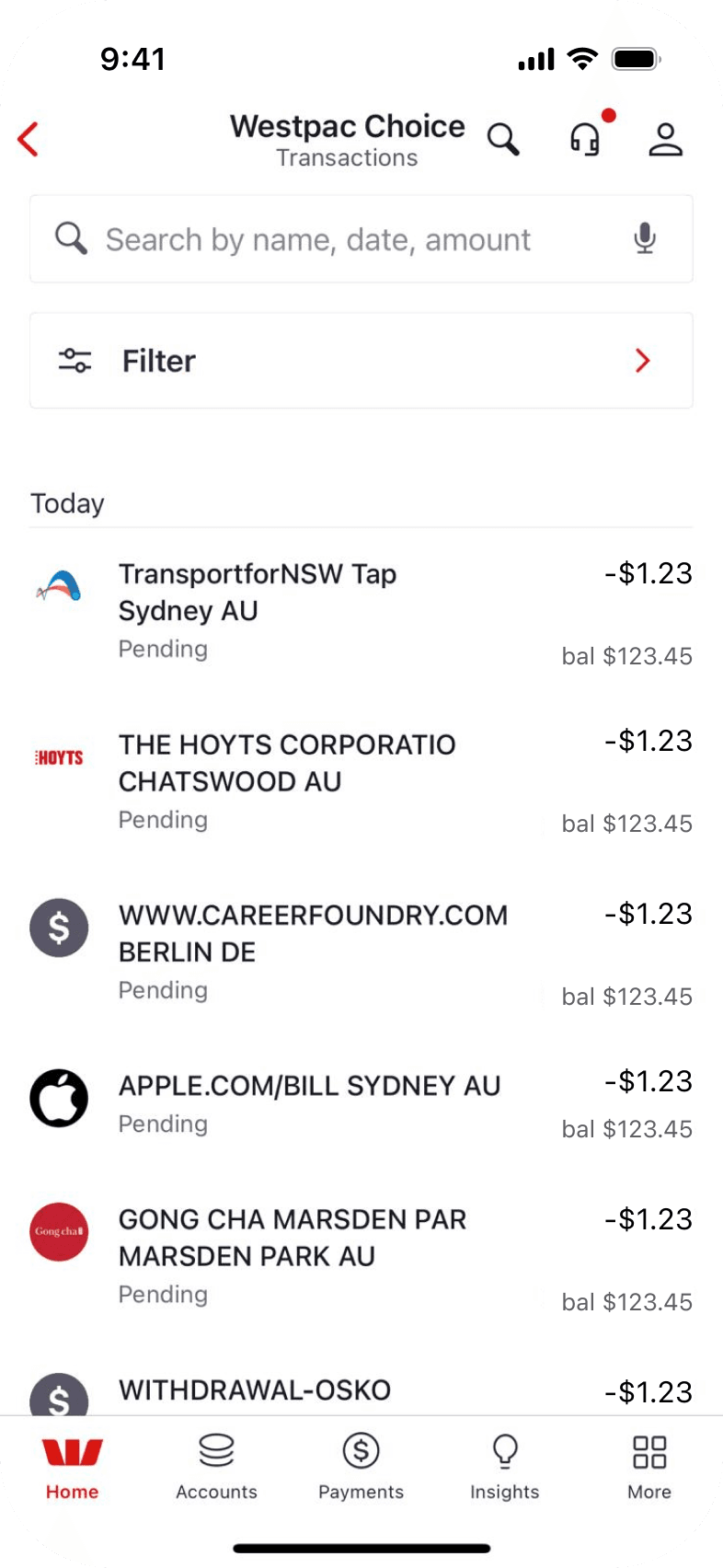
To help users keep track of their transaction list, we designed a tab that can view and organise transactions by status. This consolidates hidden transactions like scheduled payments and tracks pending ones that shift dates from purchase to processing.
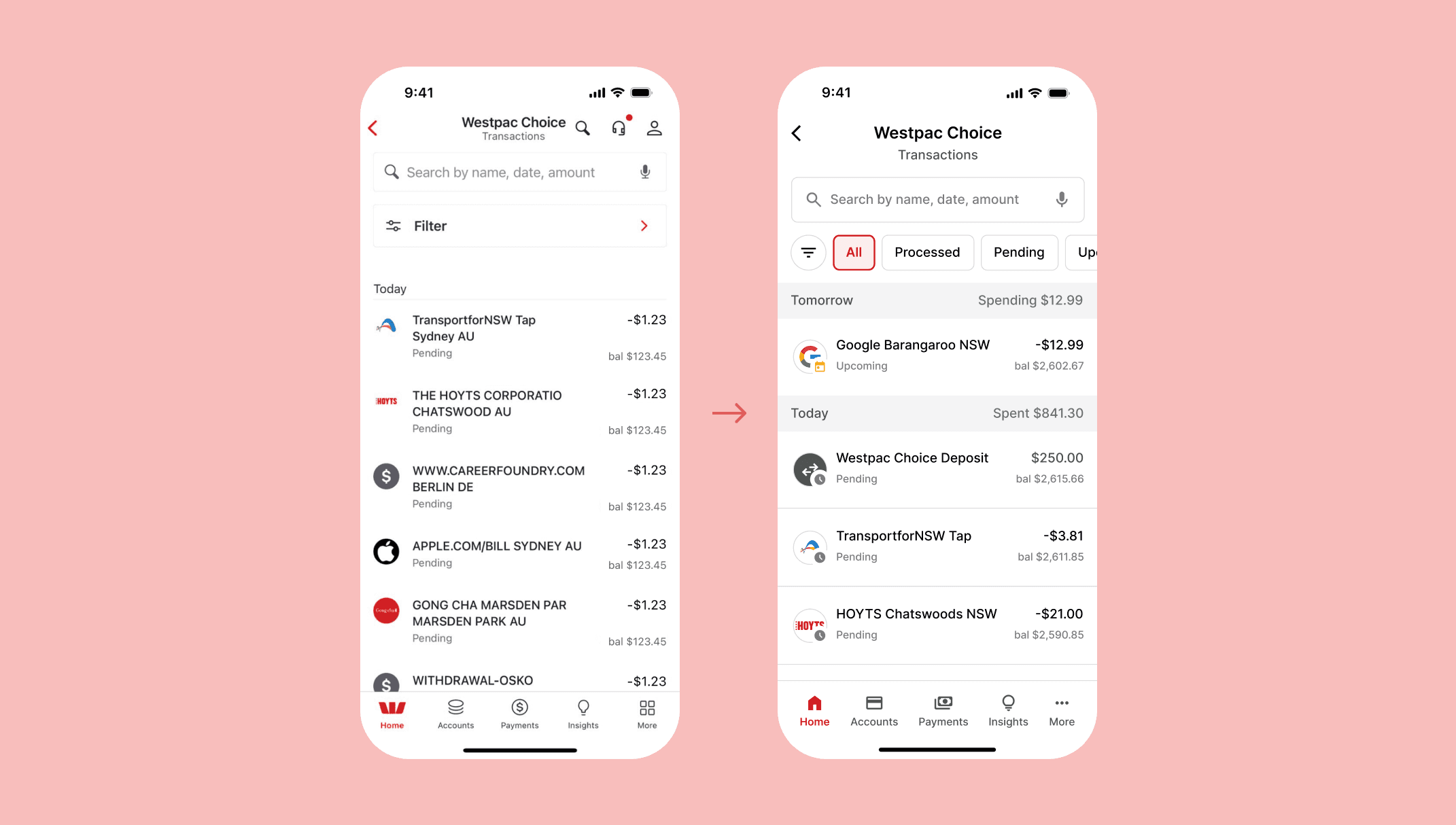
Before and after transaction list.
Change 2: transaction details
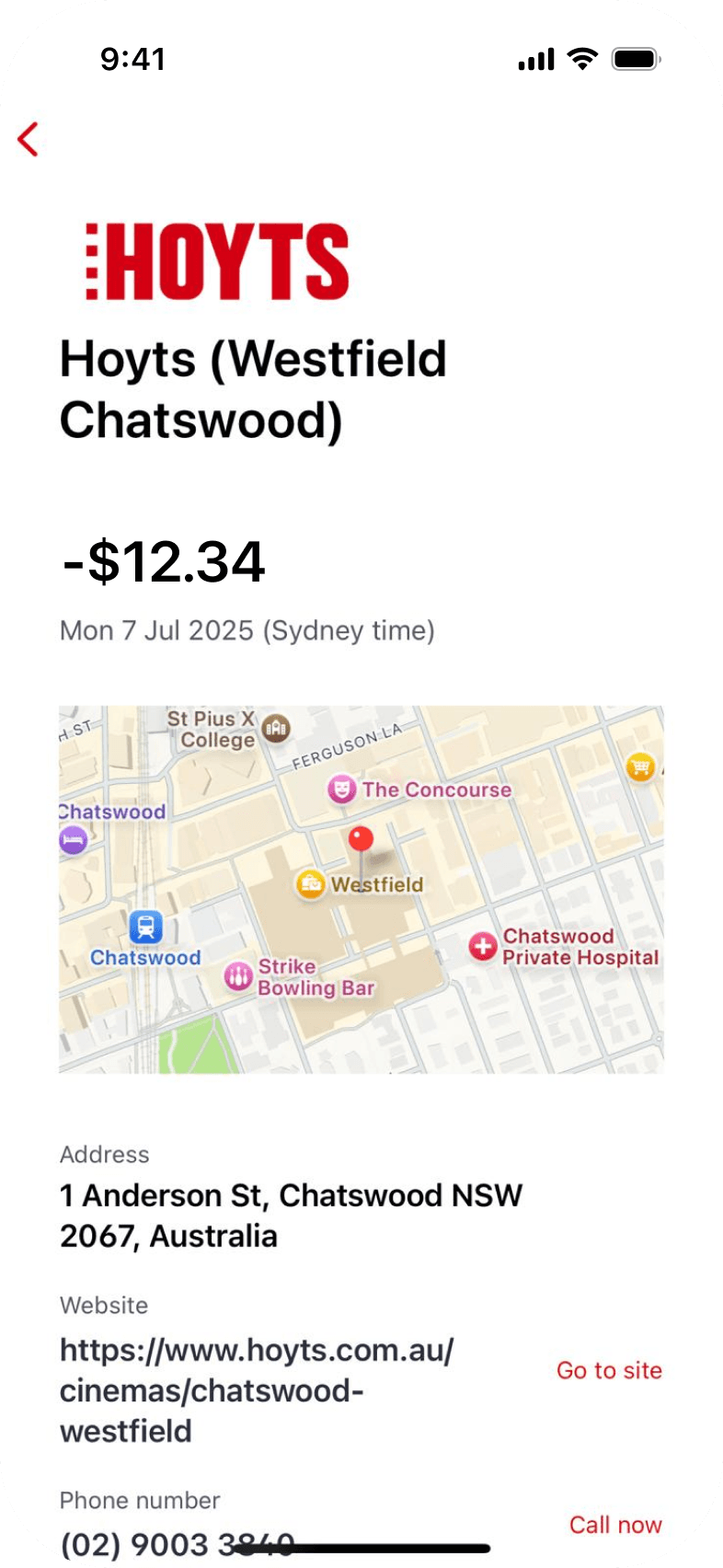
To improve the organisation and structure of the transaction details, we adjusted the layout, visual hierarchy, and content grouping. We also prioritised and displayed key information about the transaction in order to improve the reading experience.
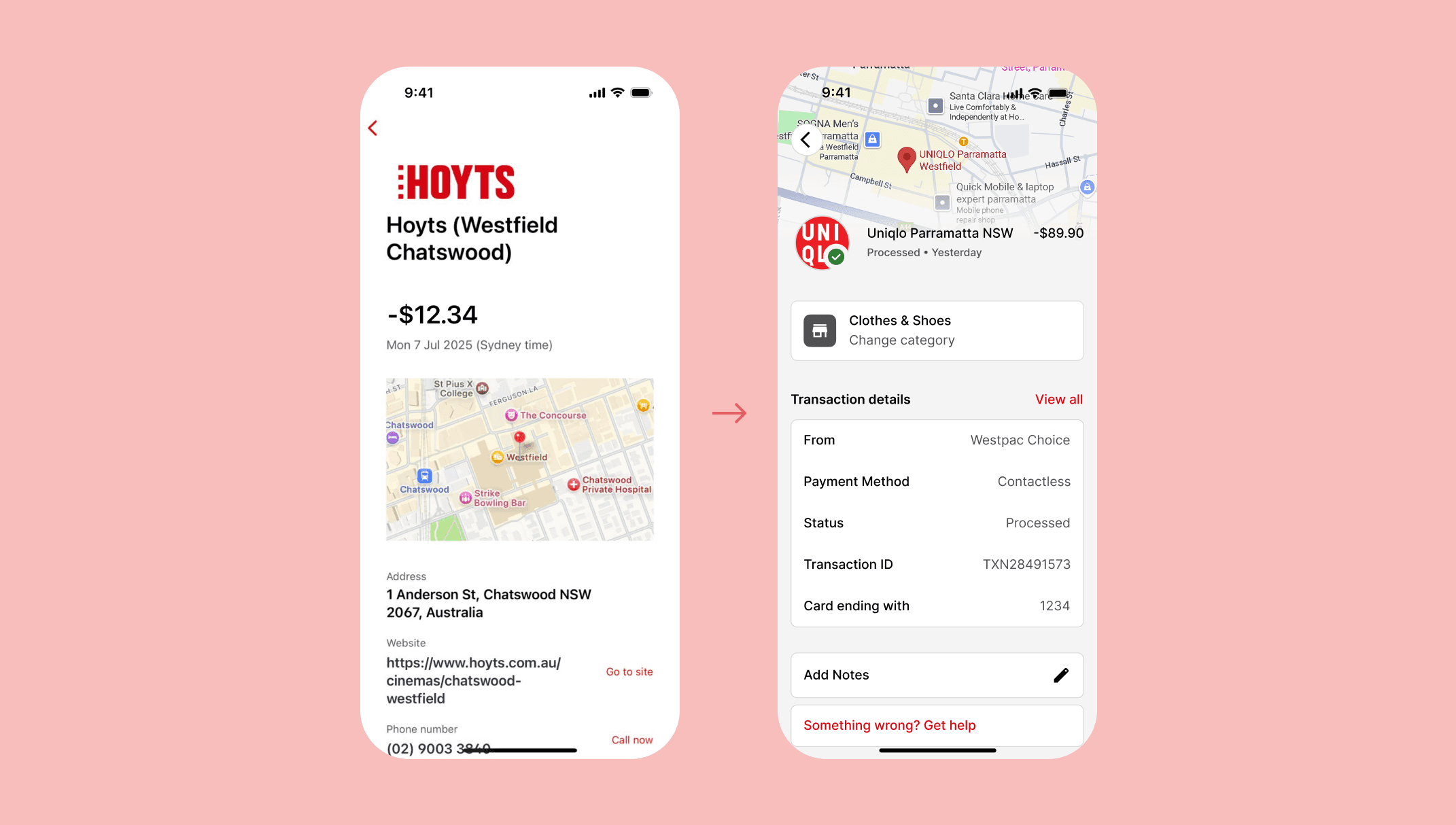
Before and after transaction details.
Change 3: filter settings
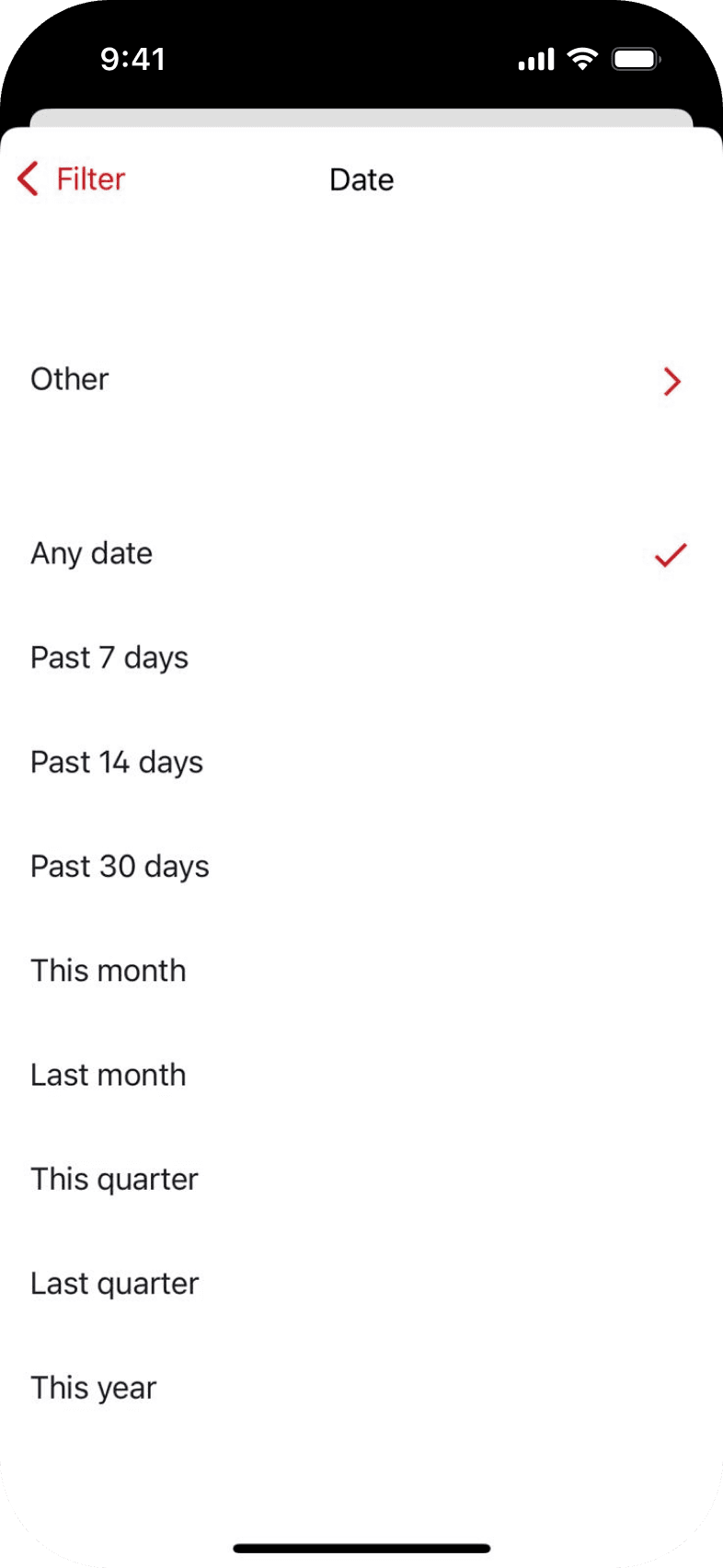
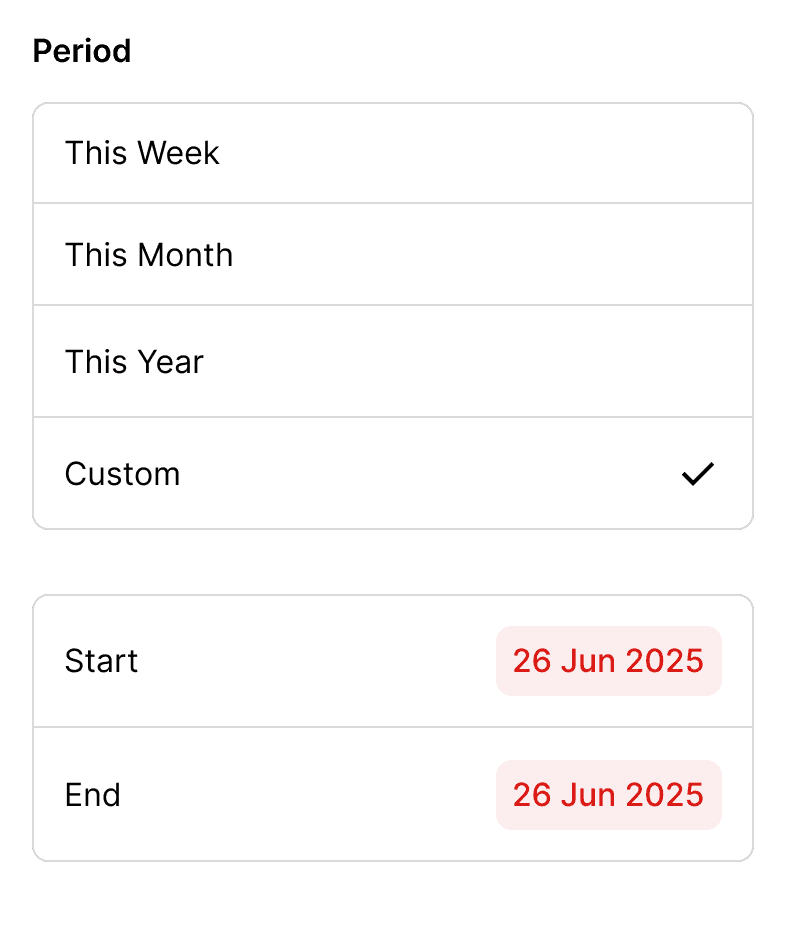
To help users customise their filter settings with ease, we minimised the number of options to reduce cognitive load for decision-making. We also focused on simplifying the way users can interact with the settings to make it feel more intuitive and efficient.
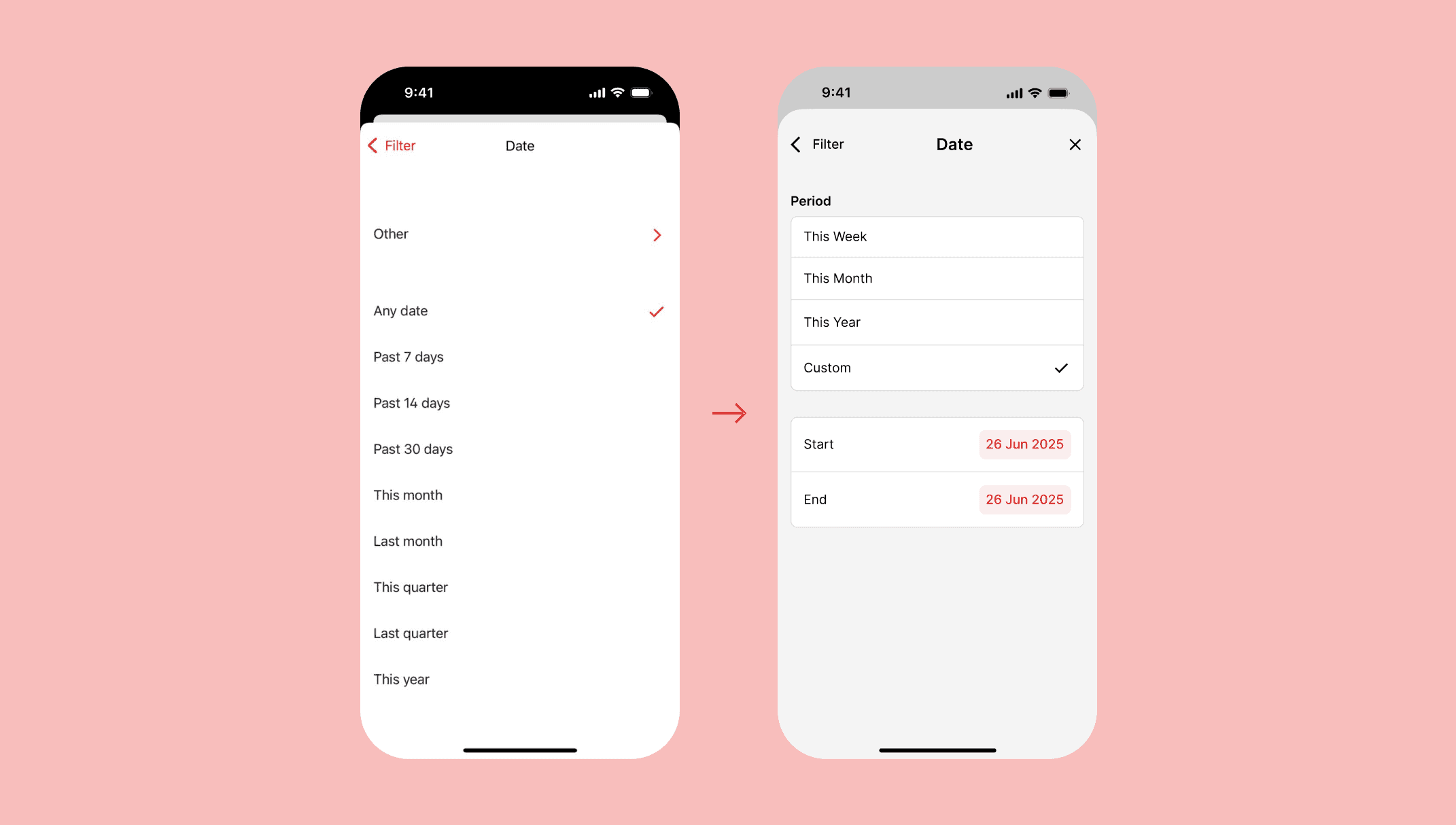
Before and after filter settings.
The outcome: improved task performance
To sum up we conducted usability testing with 5 participants who initially felt the tabs were too vague or unclear to understand. To fix this issue we later added a support text to make the feature more clear and intuitive for users in the future.
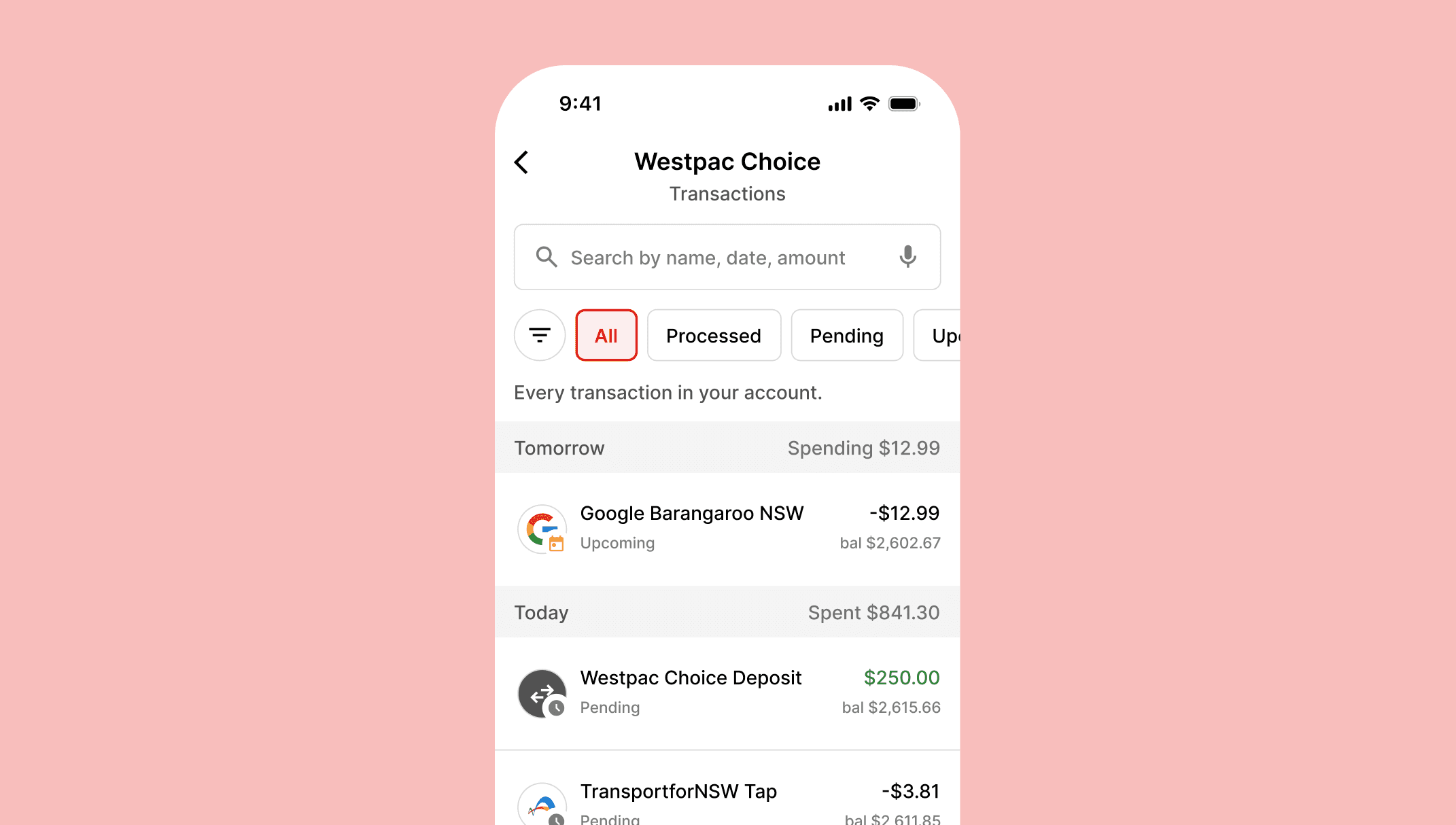
Adding support text alongside the tabs to provide more clarity.
© 2026 · Jeremy Guillermo